
School projects have evolved. A decade ago, slideshows and poster boards were enough. Today, students compete in a world where visuals matter, storytelling matters, and creativity signals competence. Teachers expect clearer communication, stronger presentation quality, and more polished work even in non-creative subjects. That shift mirrors real academic and professional environments, where digital fluency is a measurable advantage.
If you want your school projects to stand out, you need tools that help you move beyond the basics. This article breaks down the most effective creative tools, how they work, and why technical polish now plays such a big role in academic success.
Why Visual Quality Matters More Than Ever
Modern classrooms rely heavily on digital content. Students watch demo videos, follow interactive modules, and use online learning platforms daily. That environment raises expectations. A project with basic formatting or weak visuals feels outdated. Strong visual communication tells instructors you understand the material and can express ideas clearly.
Research from the University of Minnesota found that visual elements increase audience comprehension by up to 400% when included in presentations. That’s a huge boost for students trying to communicate complex ideas.
Good visuals aren’t “extra.” They improve clarity, strengthen memory retention, and make your work easier to grade and engage with.
Audio-Reactive Tools That Add Professional Production Value
One of the biggest advancements in student project design comes from automated media creation tools. For example, a music visualizer gives students access to clean, dynamic, audio-reactive visuals without needing editing experience.
These tools use digital signal processing (DSP) to analyse audio input—tracking waveform peaks, frequency distribution, and amplitude changes. They convert those sonic patterns into visual movement. The result is synchronized motion graphics that respond to narration, music, or ambient sound.
For school projects, this is especially valuable because you can:
- Add intros and outros to video presentations
- Create animated backdrops for speeches
- Enhance science or engineering demos
- Build polished music or language projects
- Make dynamic study summaries for classmates
The automation removes the need for complex software while still producing results that look technically advanced.
Smart Presentation Platforms Elevate Your Delivery

Slide tools have evolved far beyond standard templates. Platforms with intelligent formatting, drag-and-drop layout engines, and built-in animation paths help students present ideas more clearly. The key improvements include automated spacing, typographic balance, and integrated media handling.
These tools maintain visual consistency without requiring design skills. That’s especially useful during group projects where mismatched slides often degrade overall quality. The software enforces clean structure so the content stays readable and professional.
Digital Whiteboards and Visual Planning Tools Improve Structure
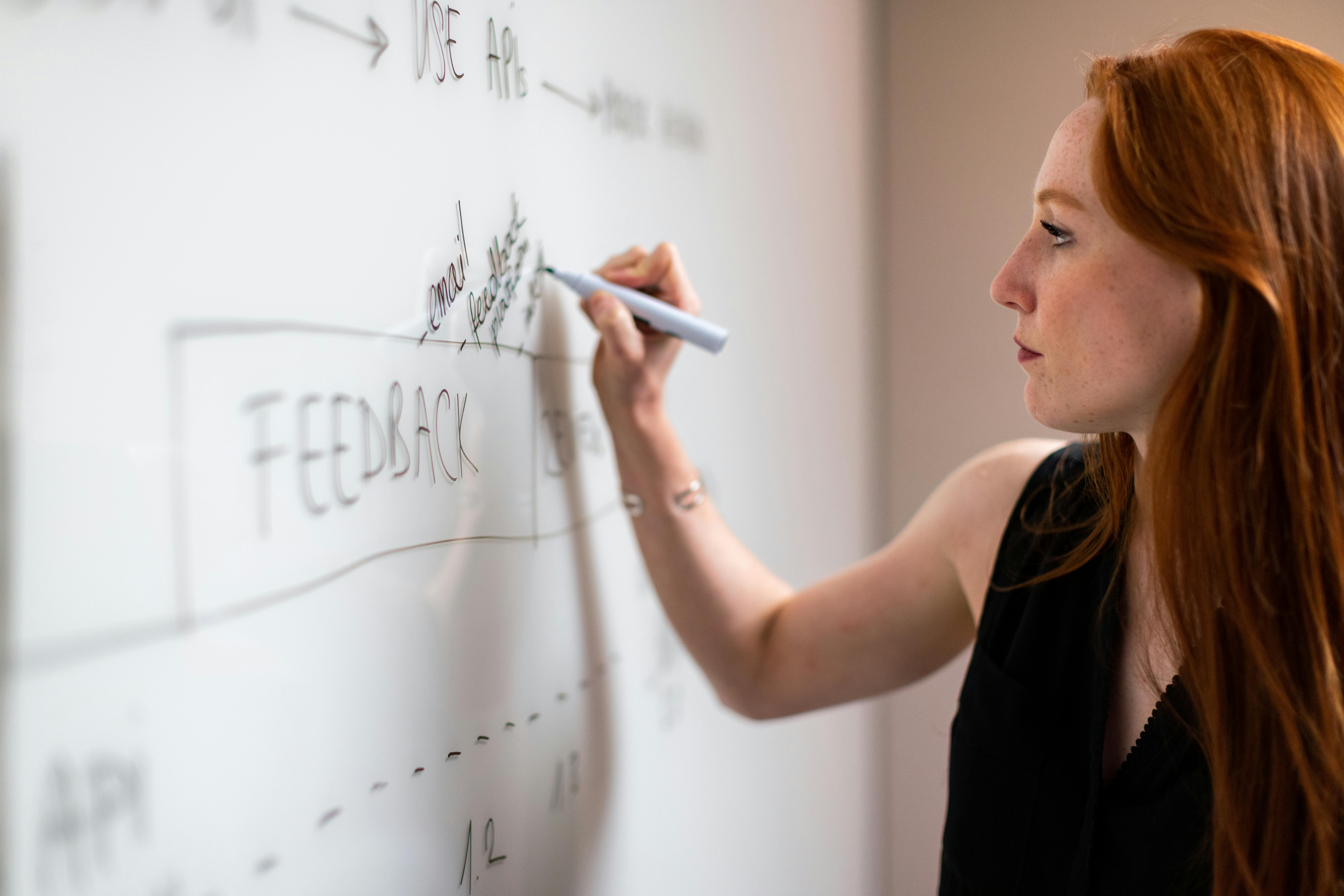
Before a project becomes polished, it needs a strong outline. Visual planning tools let students map ideas, connect concepts, and refine structure. These apps simulate a collaborative whiteboard, making it easier to break complex topics into smaller, more manageable parts.
Technical students such as those studying engineering, programming, or architecture benefit from modular planning because it mirrors professional workflows. Humanities students gain clarity when building essays, research logs, or debate frameworks.
The point is consistency. Good planning produces cleaner final outputs.
Short-Form Video Tools Make Ideas Digestible
Teachers appreciate concise explanations. Short videos help condense complex ideas into 30–90-second segments that highlight key points. Modern editing tools include auto-captions, animated text overlays, and simplified cutting interfaces.
Using short-form video in a project shows:
- You understand the core idea
- You can express it efficiently
- You’re comfortable using contemporary communication tools
It also helps you connect with classmates who may be visual or auditory learners.
Infographic and Diagram Tools Add Technical Depth
Some projects suffer because the information is strong but the structure is unclear. Infographic generators fix this problem. They help students convert text-heavy explanations into visual systems—flowcharts, diagrams, comparisons, timelines, and process maps.
This is especially helpful in science, business, and humanities courses where relationships between ideas matter. Clear diagrams help teachers evaluate reasoning and data interpretation, not just memorization.
3D and Simulation Tools Bring Abstract Ideas to Life
For students in STEM fields, 3D tools and simulation platforms are game changers. They help you visualize mechanics, motion, spatial layout, and interaction. A physics project becomes clearer with real-time motion simulation. A biology project benefits from 3D models of cells or organs. An architecture assignment improves when you can rotate a design rather than describe it.
Interactive elements demonstrate deeper understanding because they reflect how systems behave, not just how they are described.
Final Thoughts
Standing out in school today isn’t about doing more work. It’s about using better tools that help you communicate and structure ideas effectively. Visual strength, audio-reactive content, short-form video, infographic clarity, and polished presentations all contribute to how your project is perceived and graded.
When you combine strong content with smart digital tools, your school projects don’t just look better, they communicate better. And that’s what sets top students apart.